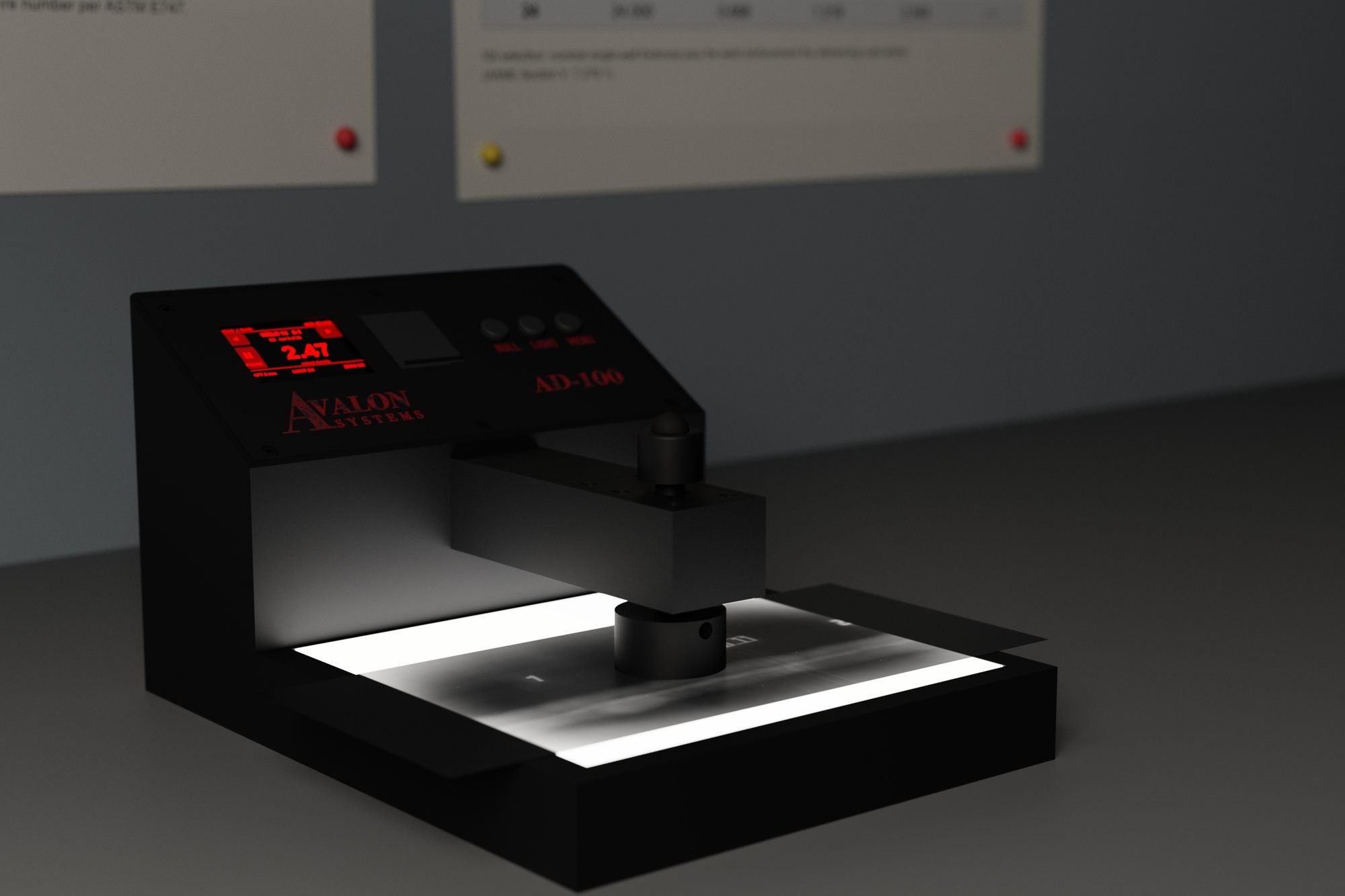
Portable. Touch screen. Interchangeable aperture inserts. A built-in light table under the magnet. Pair it wirelessly to the Avalon NDT Hub and the readings land in your Excel RT report as you take them — no transcription, no second app, no serial-port roulette.
A purpose-built instrument: precision optics, a calibrated light path per aperture, a touch screen, and a light table built into the housing. No consumables, no vendor-locked utility.
1 mm, 2 mm, and 3 mm inserts snap in on a shoulder — one calibration lives in the unit per insert, swapped the moment you change it.
Readings, menus, and the saved weld list, all on the unit. Back and forward buttons on-screen for walking a report. The weld you're on, the IQI, the AOI — right there.
Four brightness levels under the magnet. Read it where it is — no separate viewer, no re-handling the film.
Pairs over Wi-Fi (up to five saved networks, auto-join in range) or Bluetooth. USB-C port for charging and bus power. No proprietary utility, no drivers, nothing from a vendor that disappeared in 2009.
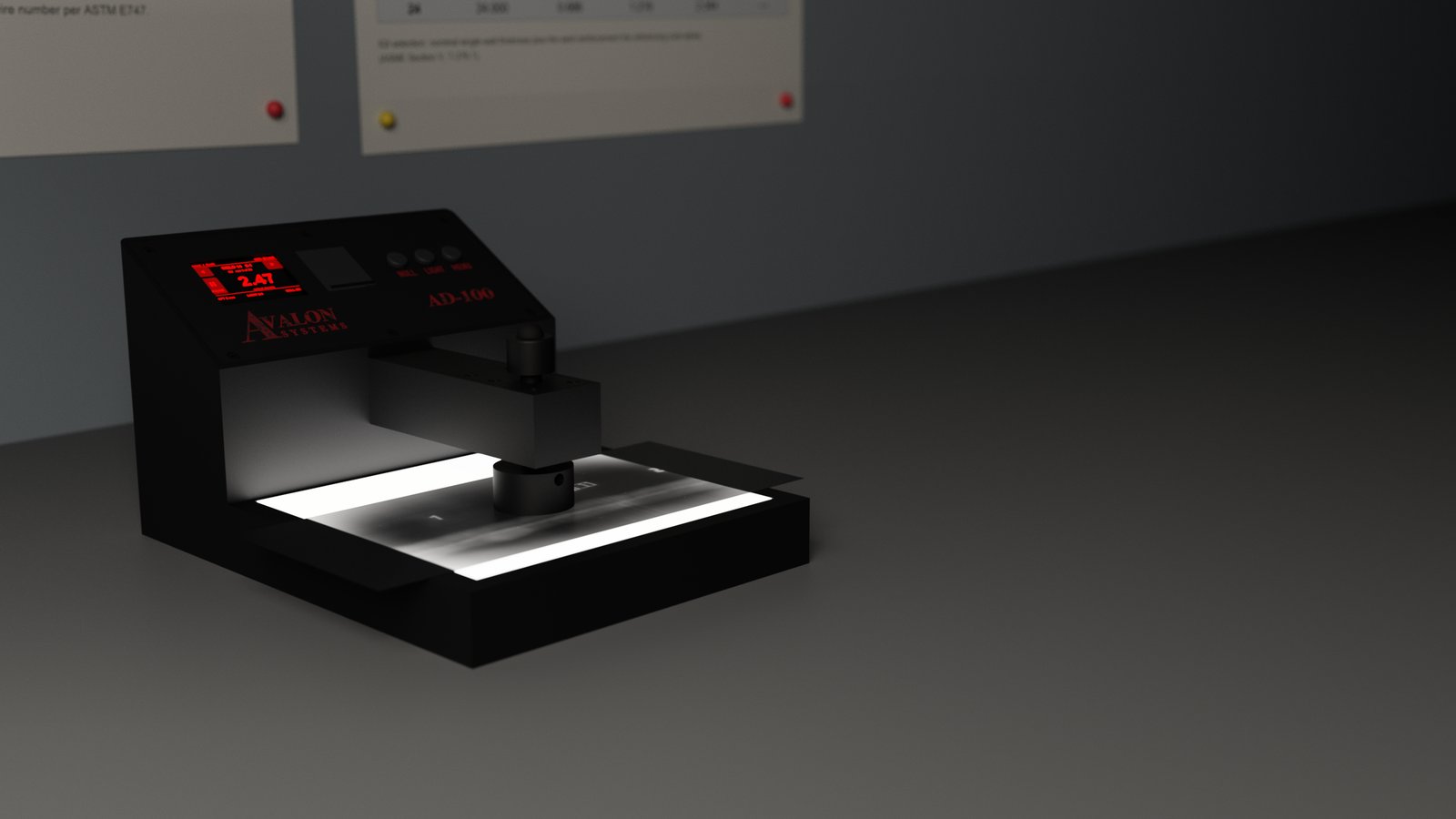
Open the Avalon NDT Hub. The AD-100 is already there — the equipment record, the calibration history, the next-cal date. Press the probe cap on the film and the reading drops into the Excel RT report at the active cell. The Hub advances Excel's cursor to the next weld. Your second tech can keep typing in the same report — if the sheet is busy when a reading arrives, the AD-100 waits, then drops the value in.
The weld list on the unit mirrors the report — the current weld, the IQI, the AOI. PAUSE a weld to take additional readings for density of indications, then RESUME. Save, swap welds, back and forward — all with the probe in one hand. Every reading is stamped and kept on the unit until it has somewhere to go.
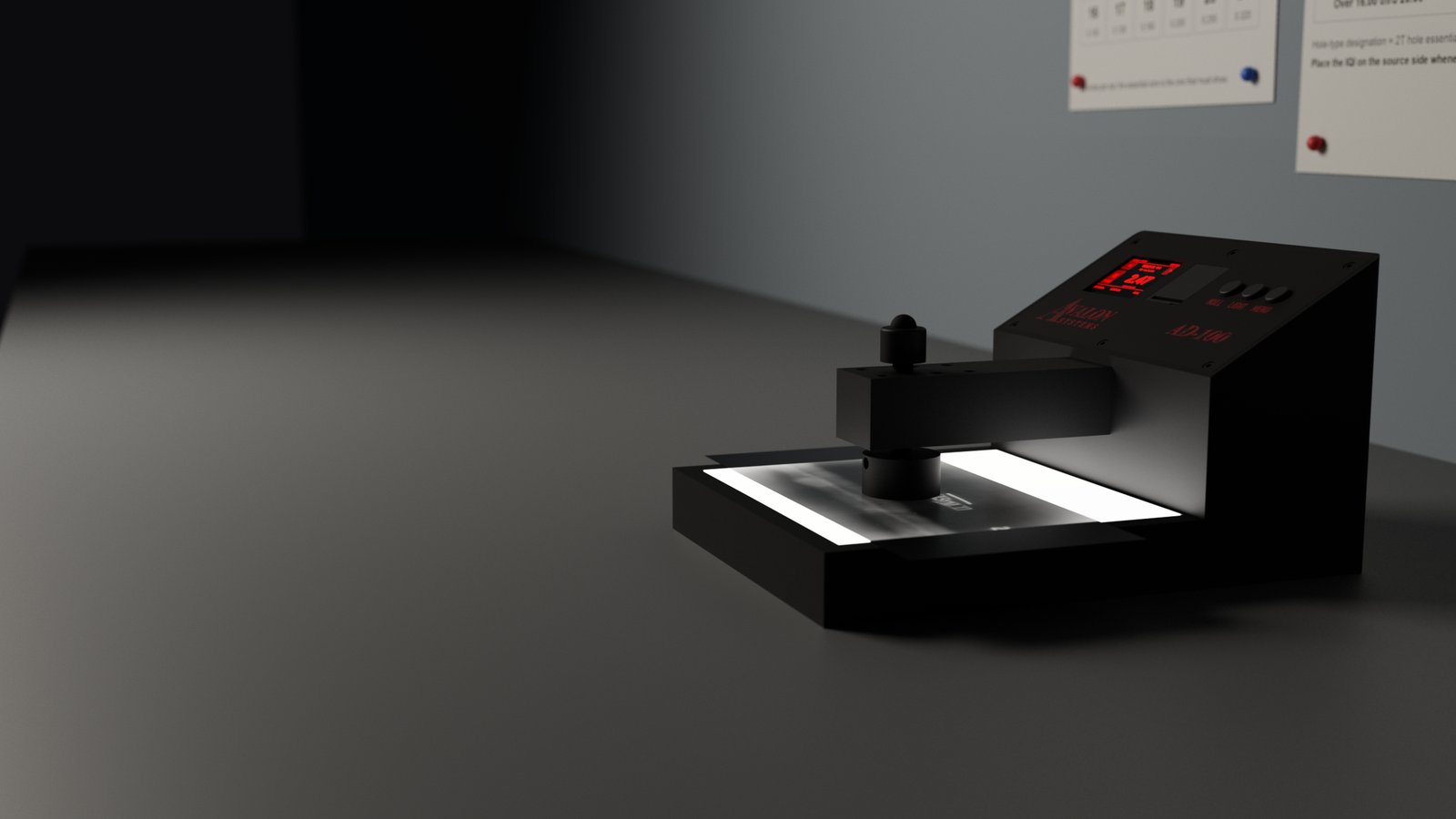
The AD-100 calibration flow walks the operator through a step-wedge sweep per aperture insert. The DENSTEP wedge steps are numbered by density value, every reading is logged to the unit's permanent history, and a signed certificate is attached to the equipment file the moment calibration completes.
| Measurement type | Transmission, visible-light |
| Density range | 0.00 D to 4.50 D |
| Repeatability | ±0.02 D typical at 2.50 D, characterized per aperture insert |
| Aperture inserts | 1 mm, 2 mm, 3 mm — interchangeable |
| Display | Color touch screen with on-screen back / forward |
| Light table | Built in, four brightness levels under the magnet |
| Host connection | Wi-Fi (up to five saved networks, auto-join in range) or Bluetooth — wireless only |
| Software | Avalon NDT Hub (Mac / Windows), included |
| Operating temperature | 5 °C to 40 °C, non-condensing |
| Power | USB-C bus power or USB-C wall supply (power only — no data over USB) |
| Form factor | Portable, probe-and-cradle |
| Warranty | One year, parts and labor |